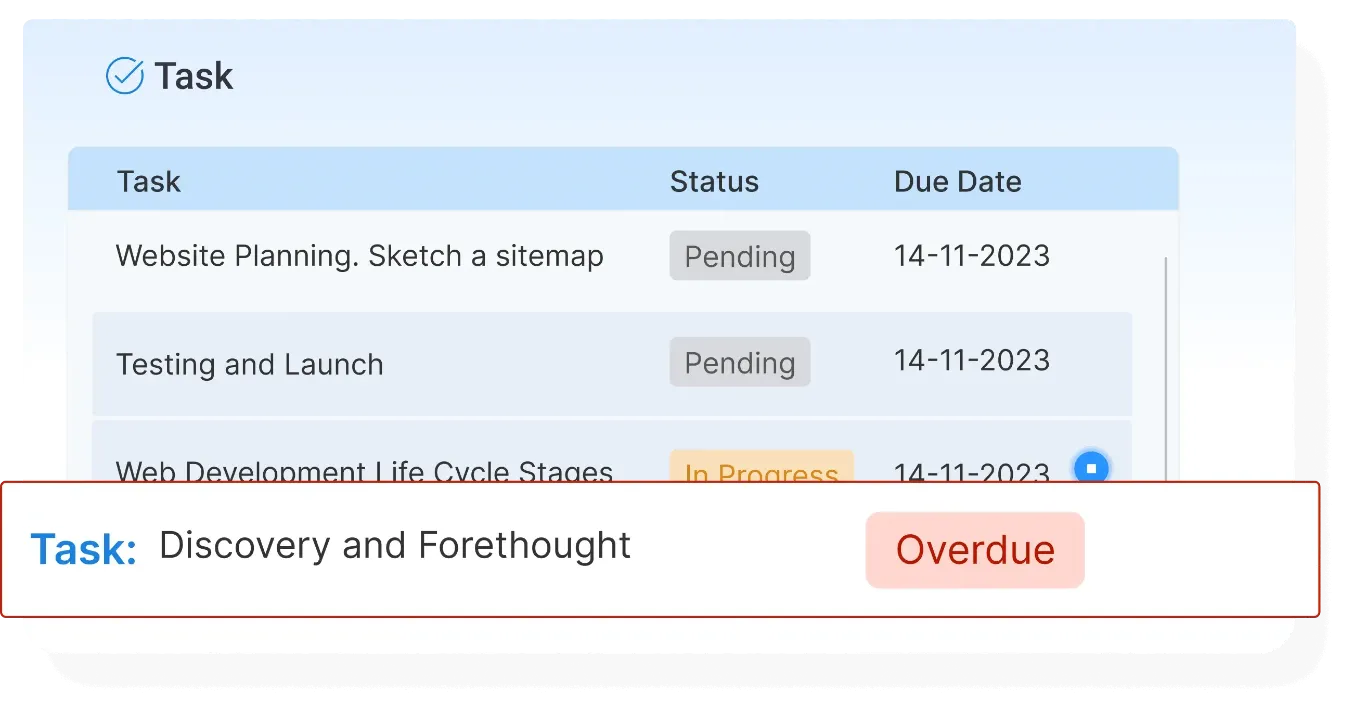
Agile Project Management Software for High-Performing Teams
StaffViz provides a comprehensive project and task management module that enables organizations to plan efficiently, assign resources effectively, and stay aligned with project goals. It ensures seamless collaboration and better visibility to help teams meet deadlines and maintain productivity across all projects.


Project Management
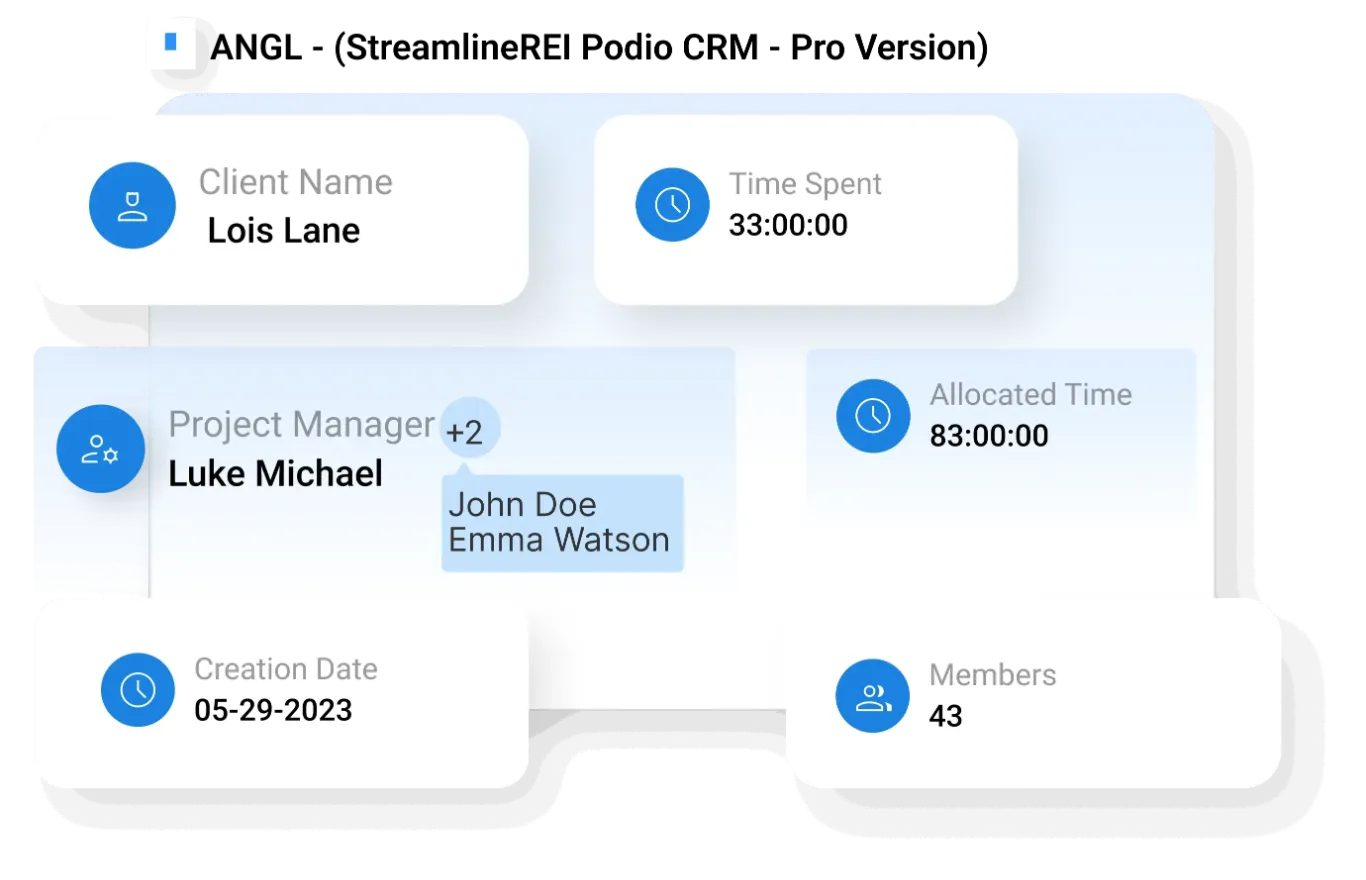
Manage projects with complete visibility and control by organizing key details, assigning roles, tracking budgets, and monitoring performance; all in one centralized workspace.
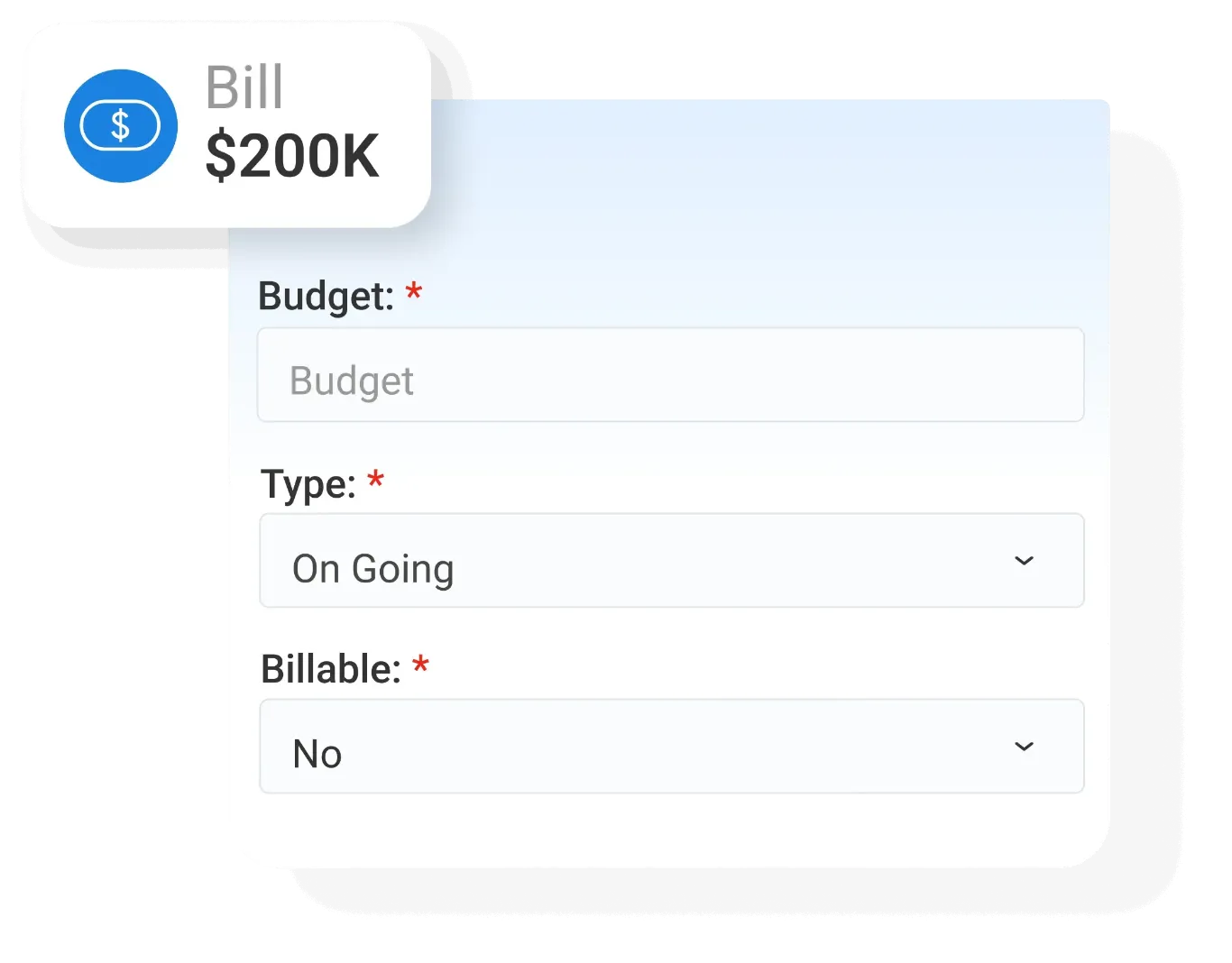
- Project Setup & Configuration – Create and configure projects with essential details such as name, type, billing status, and project roles for structured execution
- Role & Access Management – Assign managers, users, viewers, and clients to projects with clearly defined roles and responsibilities
- Project Cost Monitoring – Monitor project budgets, track costs, and manage billable amounts to maintain financial control
- Project Tracking – Track time spent, project status, and overall progress to ensure timely execution and visibility
- Project Data & Insights – Analyze project performance through visual graphs, reports, and data export options for better decision-making

Task Management
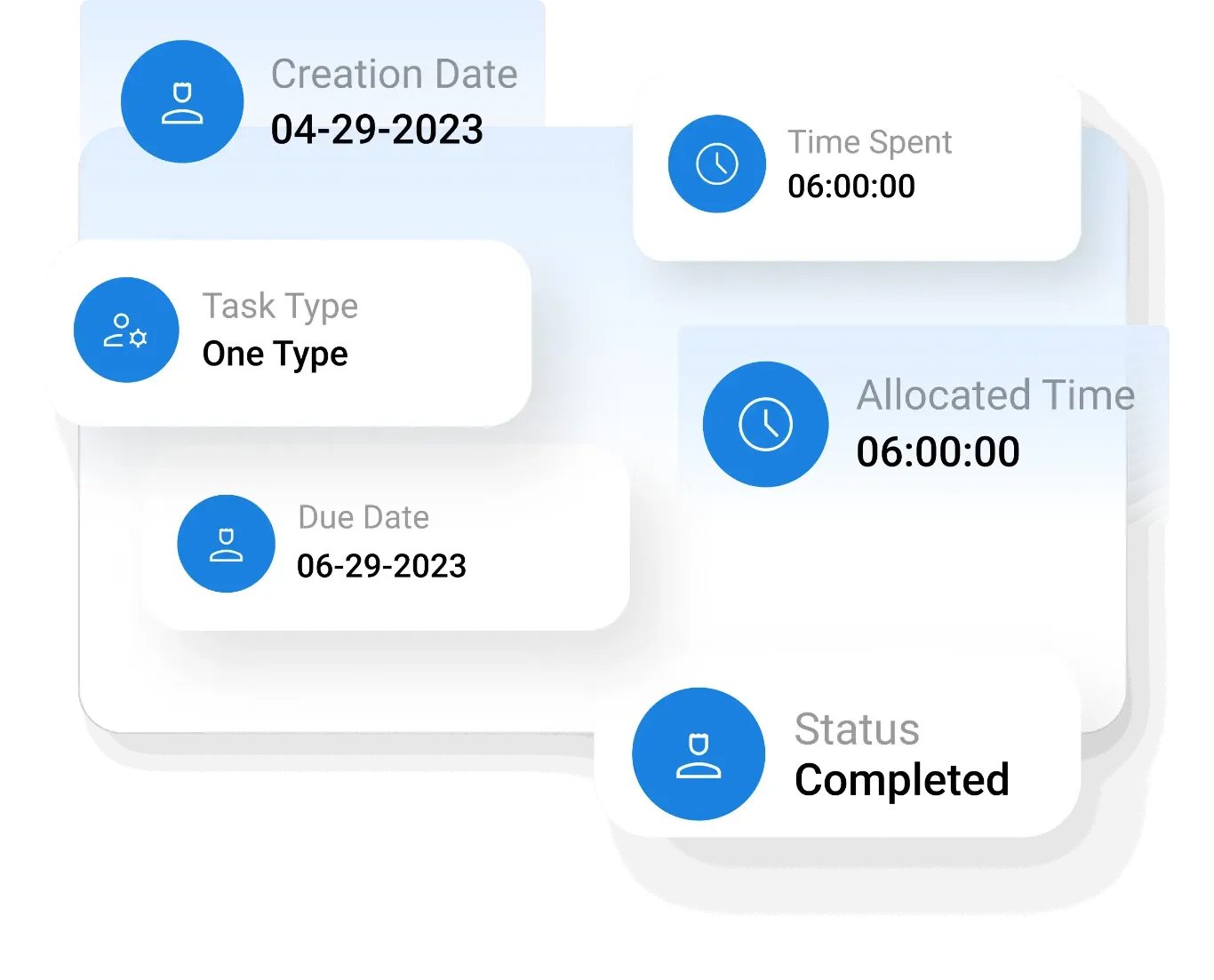
Plan, monitor, and manage tasks efficiently to ensure quality execution and timely completion without missing critical details.
- Task Planning – Break down projects into manageable tasks with clear objectives and deliverables
- Progress Monitoring – Track task progress to ensure timely completion and consistent performance
- Quality Control – Maintain task quality by setting clear expectations and monitoring outcomes
- Task Prioritization – Prioritize tasks based on urgency and importance to optimize workflow
- Task Visibility – Ensure visibility of tasks across teams for better accountability

Billable/ Non-Billable Projects
Track work hours across different project types to ensure accurate billing, reduce errors, and maintain financial transparency.
- Time Classification – Categorize work hours into billable and non-billable for accurate tracking
- Billing Accuracy – Ensure precise invoicing by maintaining clear records of billable hours
- Payment Management – Avoid delays in payments by tracking completed billable work efficiently
- Financial Transparency – Maintain visibility of project-related earnings and costs to drive transparency
- Reporting Support – Generate reports for billing and financial analysis across projects
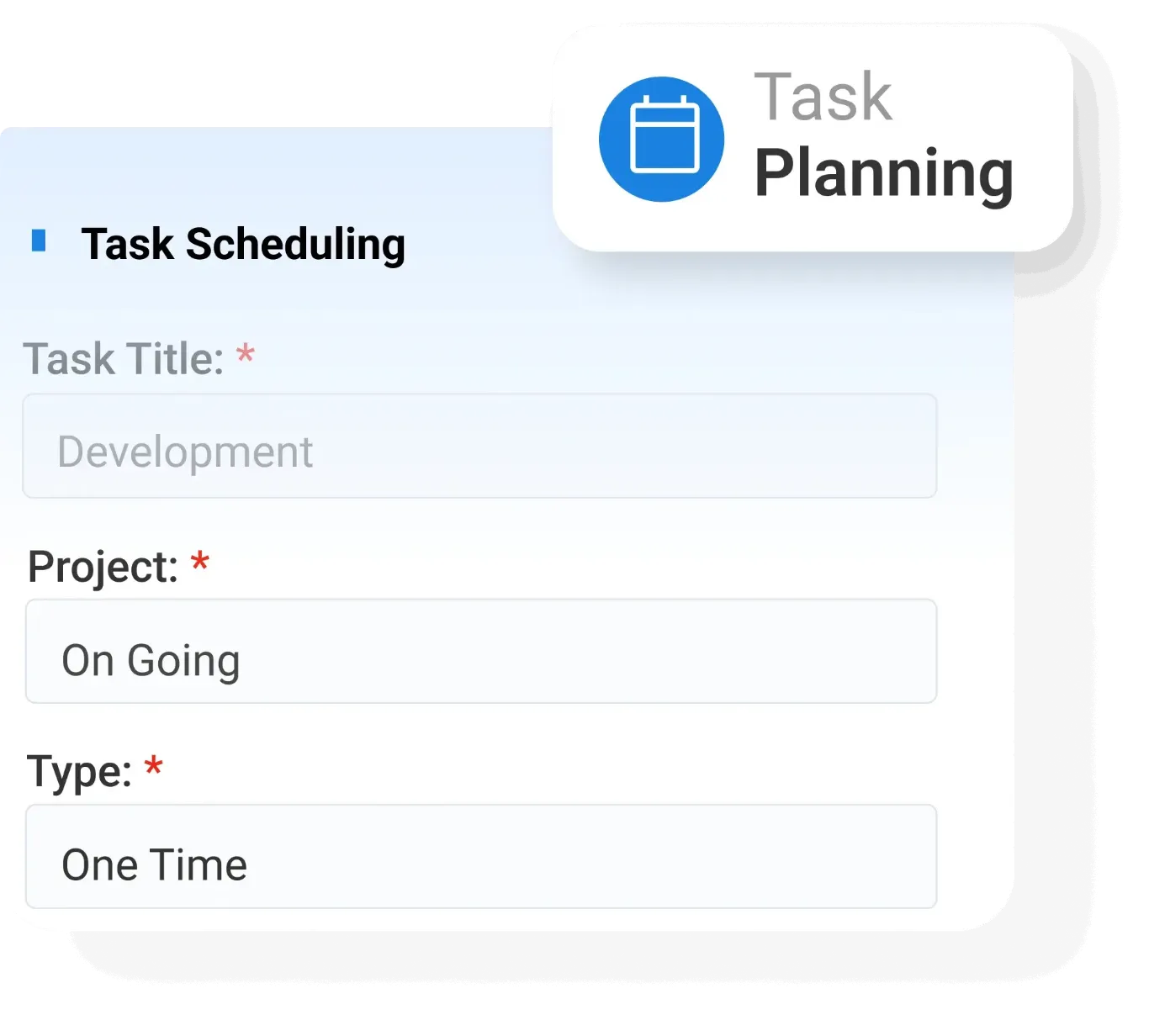

Task Scheduling
Organize work schedules by assigning timelines and customizing workflows to ensure tasks are completed efficiently and on time.
- Schedule Planning – Plan task schedules with defined timelines and deadlines
- Timeline Assignment – Assign timeframes to tasks to ensure proper execution and delivery
- Workflow Customization – Customize task workflows based on project requirements
- Deadline Management – Ensure deadlines are met through structured scheduling and tracking
- Schedule Visibility – Maintain clear visibility of schedules for better performance.

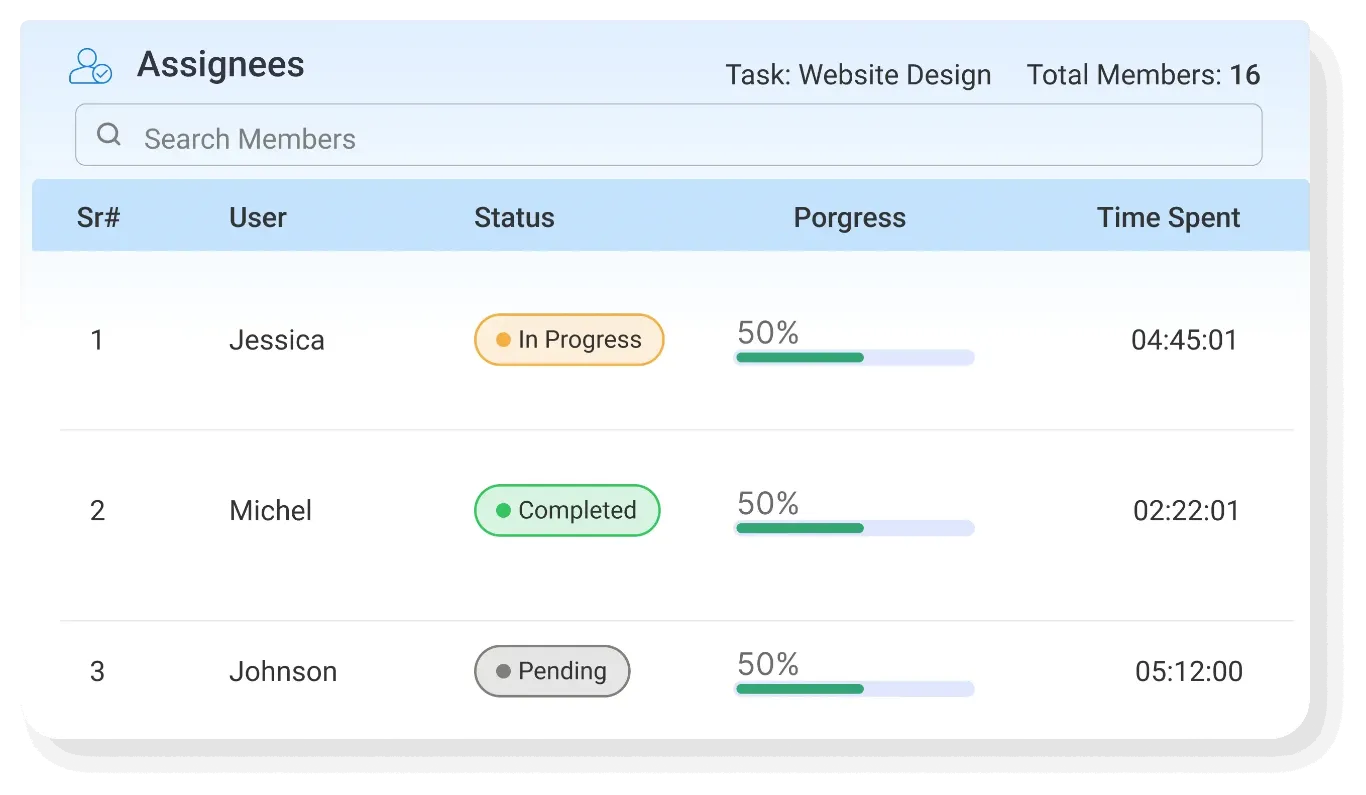
Task Assignment
Assign tasks effectively to the right individuals to ensure accountability, clarity, and smooth workflow execution.
- Responsibility Allocation – Assign tasks with clear ownership to ensure accountability
- Skill-Based Assignment – Allocate tasks based on employee skills and expertise
- Goal Alignment – Ensure tasks are aligned with overall project objectives
- Work Distribution – Distribute workload evenly to avoid overload and inefficiency
- Task Clarity – Provide clear instructions and expectations for each assigned task
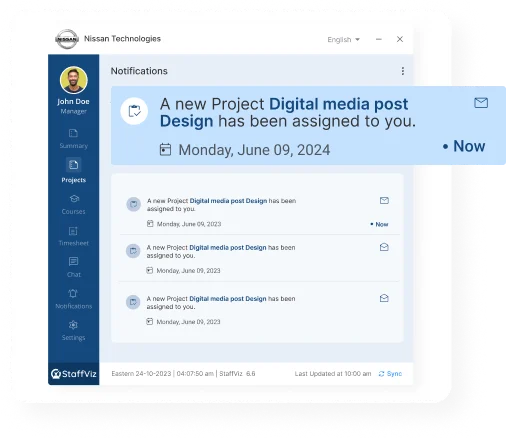

Instant Notifications
Keep teams informed with updates and alerts to ensure quick responses.
- Alerts – Send instant notifications for task updates and project changes
- Event Updates – Notify users about deadlines, assignments, and progress changes
- Team Awareness – Keep teams informed about ongoing activities and updates
- Quick Communication – Enable faster communication through instant alerts and notifications
- Engagement Improvement – Improve team engagement by keeping everyone in the loop

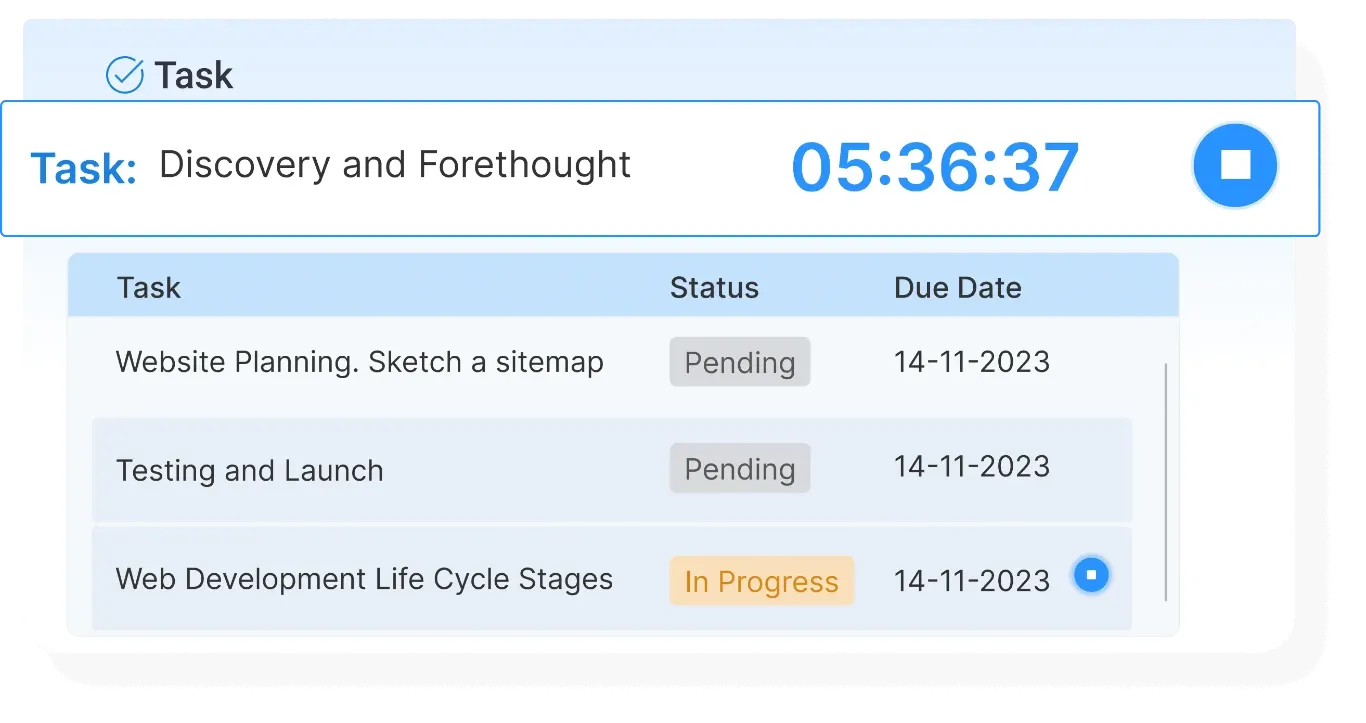
My Tasks
Help employees manage their daily responsibilities by organizing and prioritizing tasks for better productivity and work balance.
- Task Organization – Organize daily tasks in a structured and manageable format
- Priority Setting – Set priorities to focus on high-impact tasks first
- Workload Management – Manage workloads effectively to avoid burnout
- Personal Tracking – Track individual task progress and completion status
- Productivity Focus – Enhance productivity through clear task visibility and planning
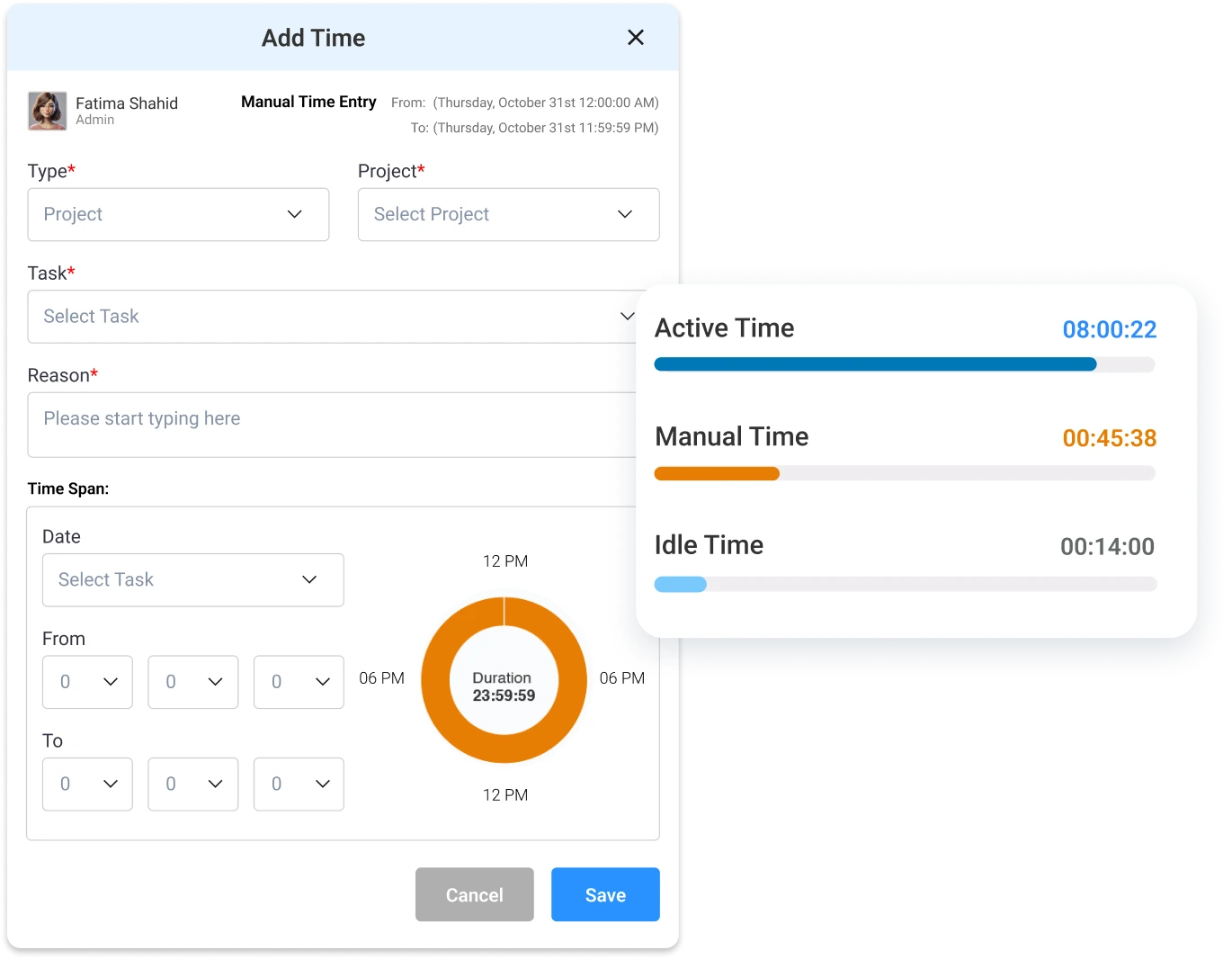

Manual Time Entry
Track working hours and activities manually to ensure accurate reporting for payroll and billing processes.
- Time Recording – Record work hours manually for accurate tracking
- Activity Logging – Log daily activities and tasks performed by employees
- Payroll Support – Ensure accurate payroll processing through proper time records
- Billing Accuracy – Support precise billing with detailed time entries
- Data Reliability – Maintain reliable and consistent time tracking records

Pending/Overdue and Completed Tasks
Monitor task status effectively to identify delays, track completions, and improve overall performance and accountability.
- Pending Task Tracking – Identify tasks that are yet to be started or completed
- Overdue Monitoring – Track overdue tasks to address delays promptly
- Completion Updates – Mark tasks as completed to maintain accurate records
- Performance Analysis – Analyze task completion trends to evaluate team performance
- Accountability Control – Ensure accountability by monitoring task status across teams