StaffViz: Attendance Management for Complete Workforce Visibility
Monitor employee work hours, shift adherence, and daily attendance. It enables organizations to track clock-ins, clock-outs, breaks, and total working hours. By integrating attendance with time tracking, tasks, and productivity data, it ensures accurate workforce visibility, improved accountability, and better operational control.


Attendance Overview
Get a live view of employee attendance and status across the organization.
- Live Status Monitoring – Track employees as active, inactive, idle, on break, or off shift.
- Clock-In Visibility – View real-time clock-in and clock-out activities.
- Workforce Presence – Monitor who is currently working, absent, or unavailable.
- Continuous Updates – Receive automatically refreshed attendance data.
- Centralized View – Access all attendance information from a unified dashboard.

Shift-Based Attendance & Activity Monitoring
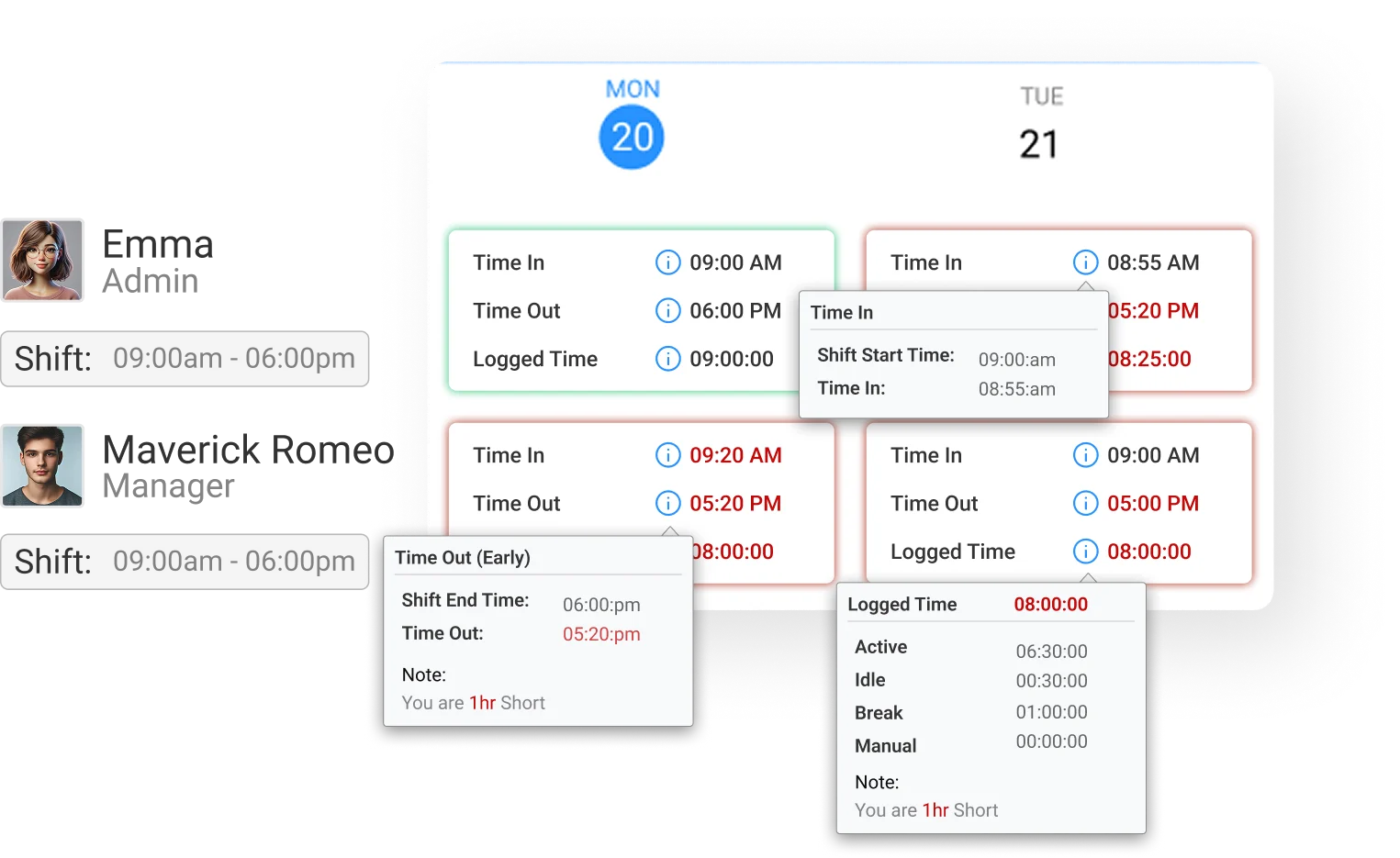
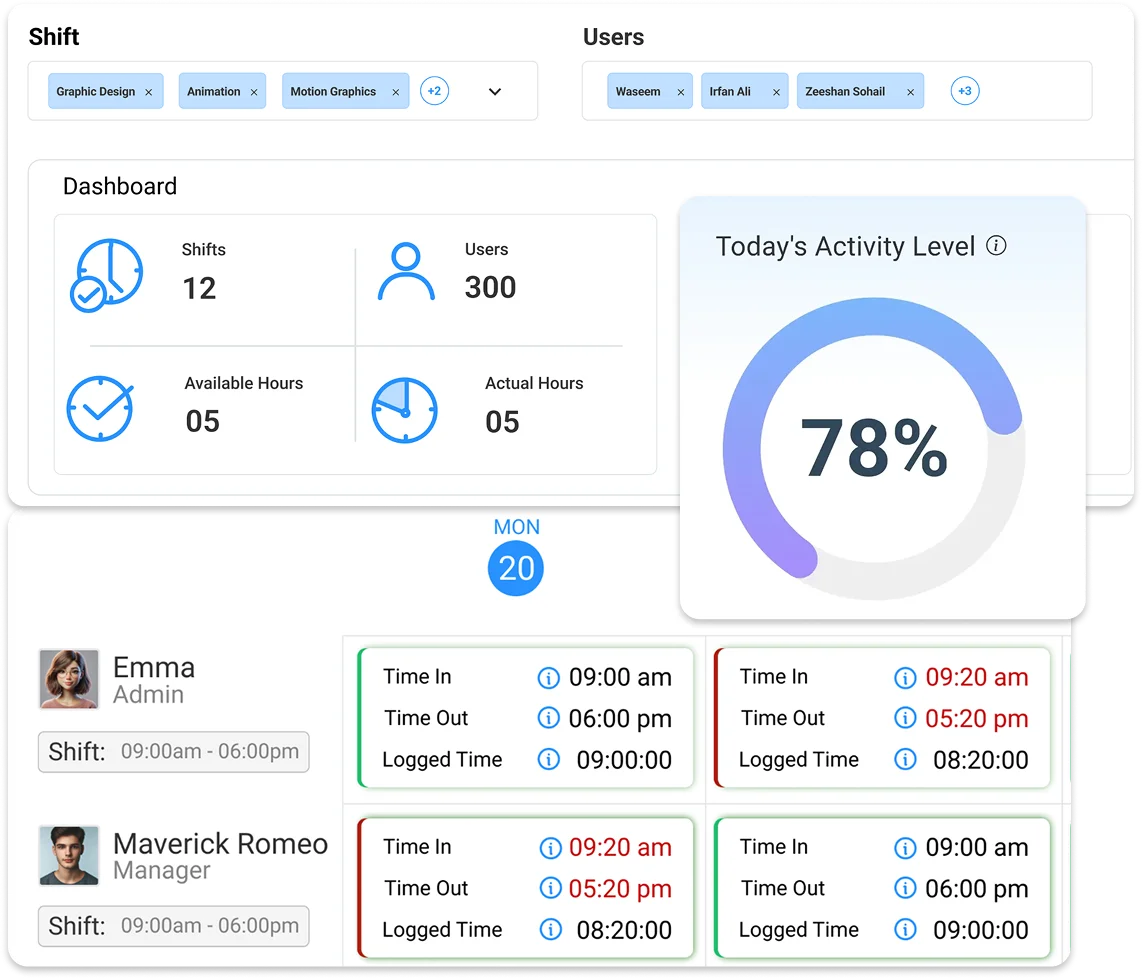
Provides comprehensive visibility into employee attendance by aligning work shifts with activity tracking.
- Shift Schedule Visibility & Alignment – Display assigned shift timings and compare actual clock-in times with scheduled shifts to ensure adherence to work schedules
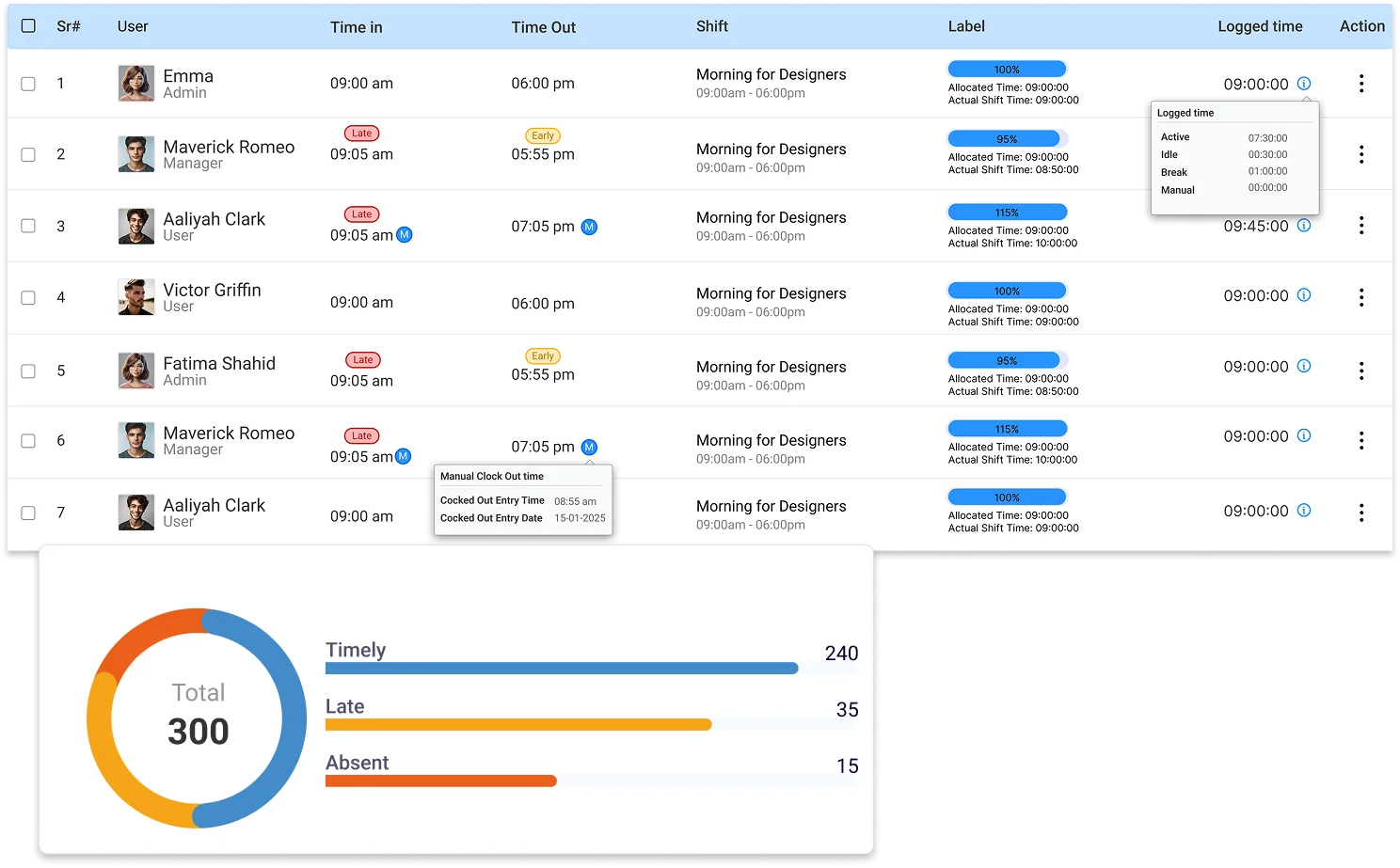
- Attendance Compliance Tracking – Identify on-time, late, and off-shift attendance cases to monitor schedule compliance and workforce discipline.
- Break Time Monitoring – Record and track break durations during working hours while identifying users currently on break.
- Idle Time Detection & Analysis – Monitor periods of inactivity and analyze idle time patterns to better understand productivity gaps.
- Activity State Classification – Differentiate between active, idle, and break states to gain clear insights into employee engagement and work behavior.

Work Hours & Time Calculation
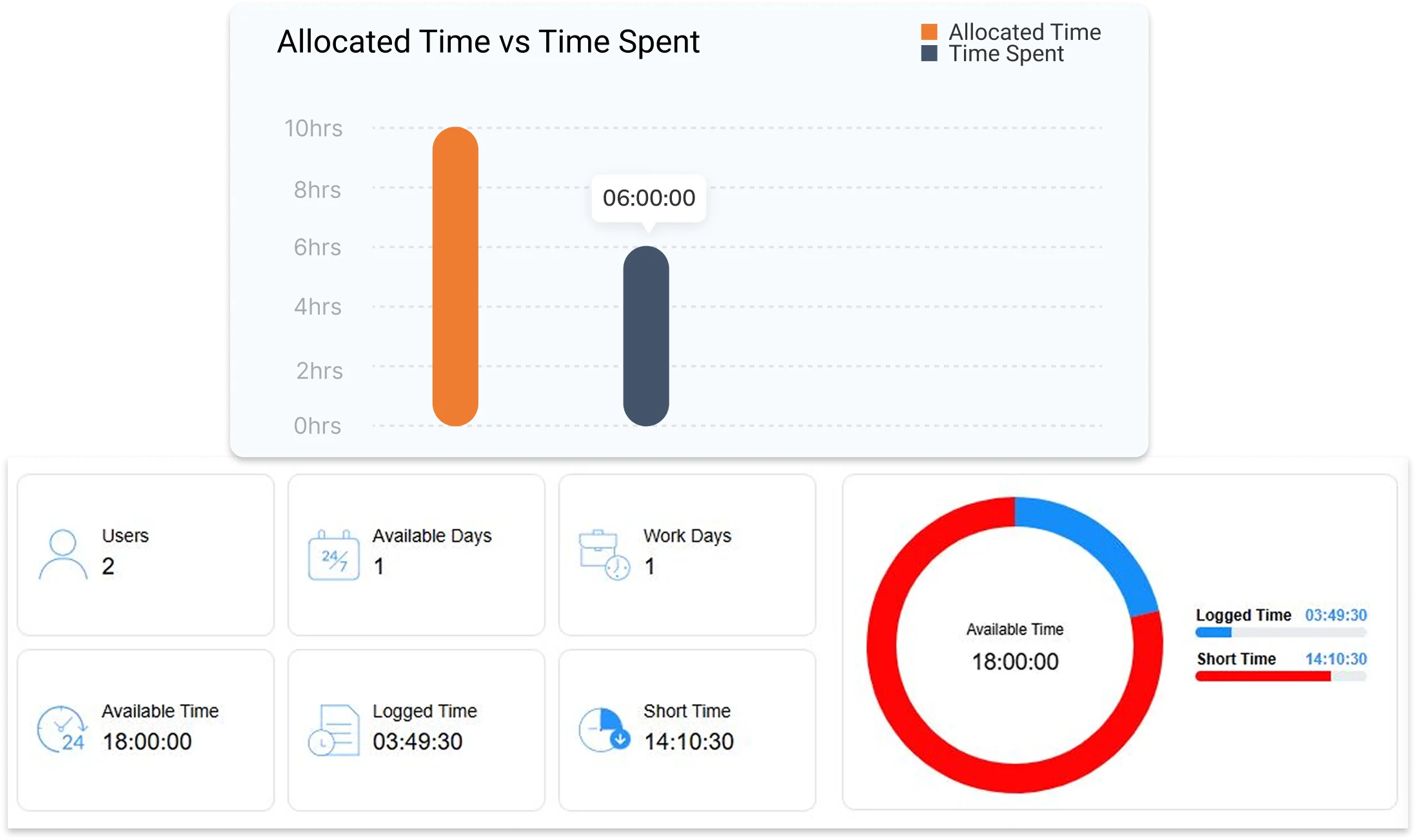
Track and calculate total working hours based on attendance activity.
- Total Hours Tracking – Measure total time spent during the workday.
- Active vs Idle Time – Differentiate between productive and idle periods.
- Break Time Accounting – Separate break durations from working hours.
- Short Hours Identification – Detect employees who did not complete required hours.
- Time Utilization Insights – Analyze how working hours are being utilized.
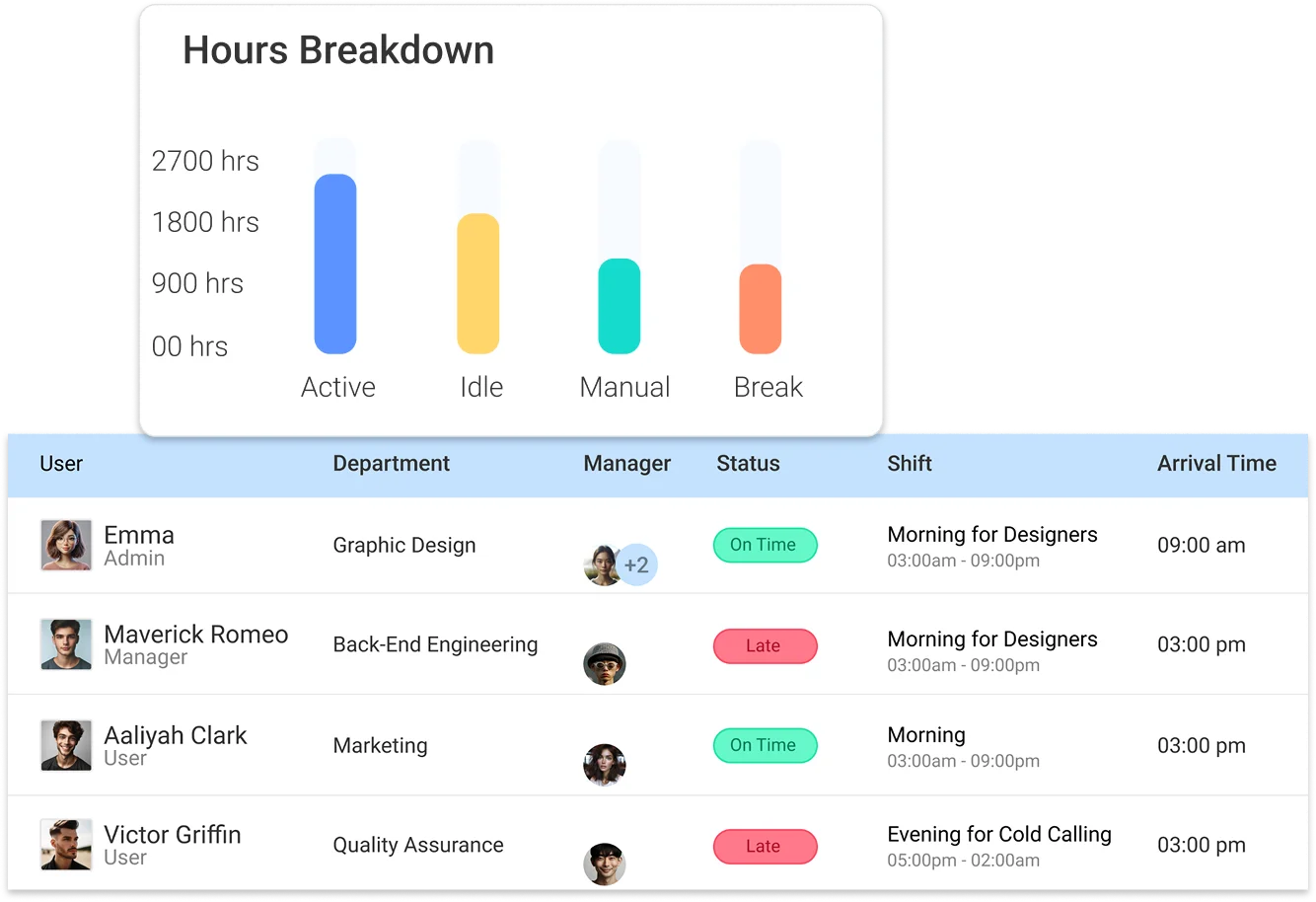

Attendance Insights & Status Classification
Provide structured attendance insights to evaluate employee punctuality and work behavior.
- Attendance Status Classification – Classify employees as present, absent, late, or on break.
- Employee Attendance Categorization – Identify users with short hours or incomplete workdays.
- Absenteeism Tracking – Actively track absenteeism and attendance trends.
- Arrival Pattern Analysis – Generate summaries of on-time and late arrivals.
- Attendance Analytics – Support decision-making through attendance analytics.

Attendance Reporting & Analysis
Generate detailed reports to analyze attendance patterns and workforce efficiency.
- Grouped Attendance Reporting – View attendance reports grouped by users, departments, or shifts.
- Date & User-Based Filtering – Filter attendance data by date range and user selection.
- Arrival Summary Analysis – Analyze arrival summaries including on-time and late check-ins.
- Daily Attendance Log Review – Review daily attendance logs with timestamps and durations.
- Reporting for Evaluation & Compliance – Use reports for performance evaluation, compliance, and payroll.