Real-Time Insights
Through Human Resource Analytics
StaffViz offers a comprehensive productivity analytics system that helps organizations analyze activities, optimize team performance, and drive business growth through data-driven insights. It enables companies to build efficient processes, set realistic targets, and make informed decisions using actionable performance metrics.


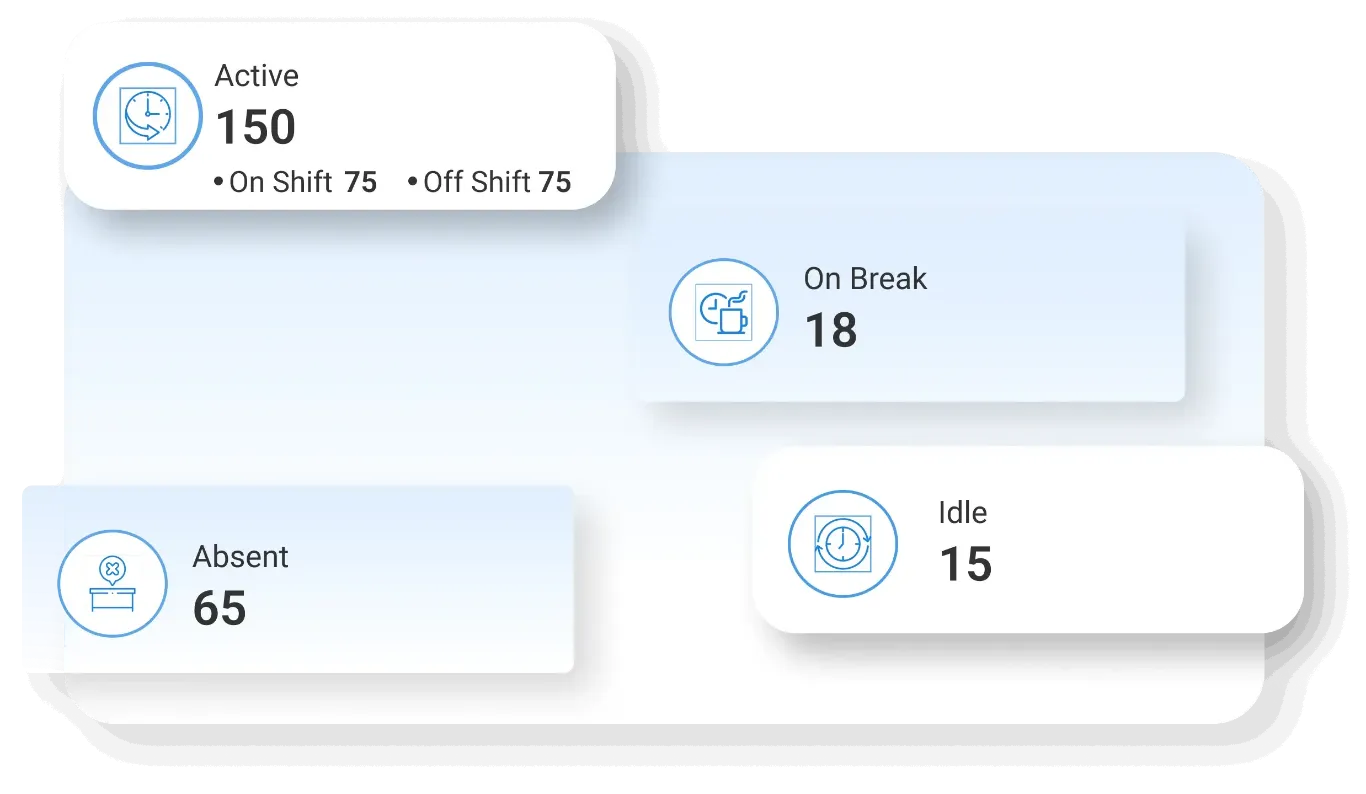
Owner Dashboard
Gain a complete overview of organizational performance, projects, and activities to support strategic decision-making at the highest level.
- Organization Overview – View a high-level summary of all activities, teams, and projects in one place
- Performance Insights – Analyze overall company performance using consolidated data
- Project Visibility – Track the status of all ongoing and completed projects
- Strategic Monitoring – Monitor key metrics to support business strategy and growth
- Decision Support – Make informed decisions based on real-time organizational insights

Manager Dashboard
Access detailed project and team data to effectively manage operations, track progress, and ensure timely delivery.
- Project Tracking – Monitor project progress, tasks, and deadlines efficiently
- Team Oversight – Supervise team activities and ensure alignment with goals
- Task Monitoring – Track assigned tasks to ensure timely completion
- Operational Control – Maintain control over workflows and daily operations
- Performance Evaluation – Evaluate team performance using data insights

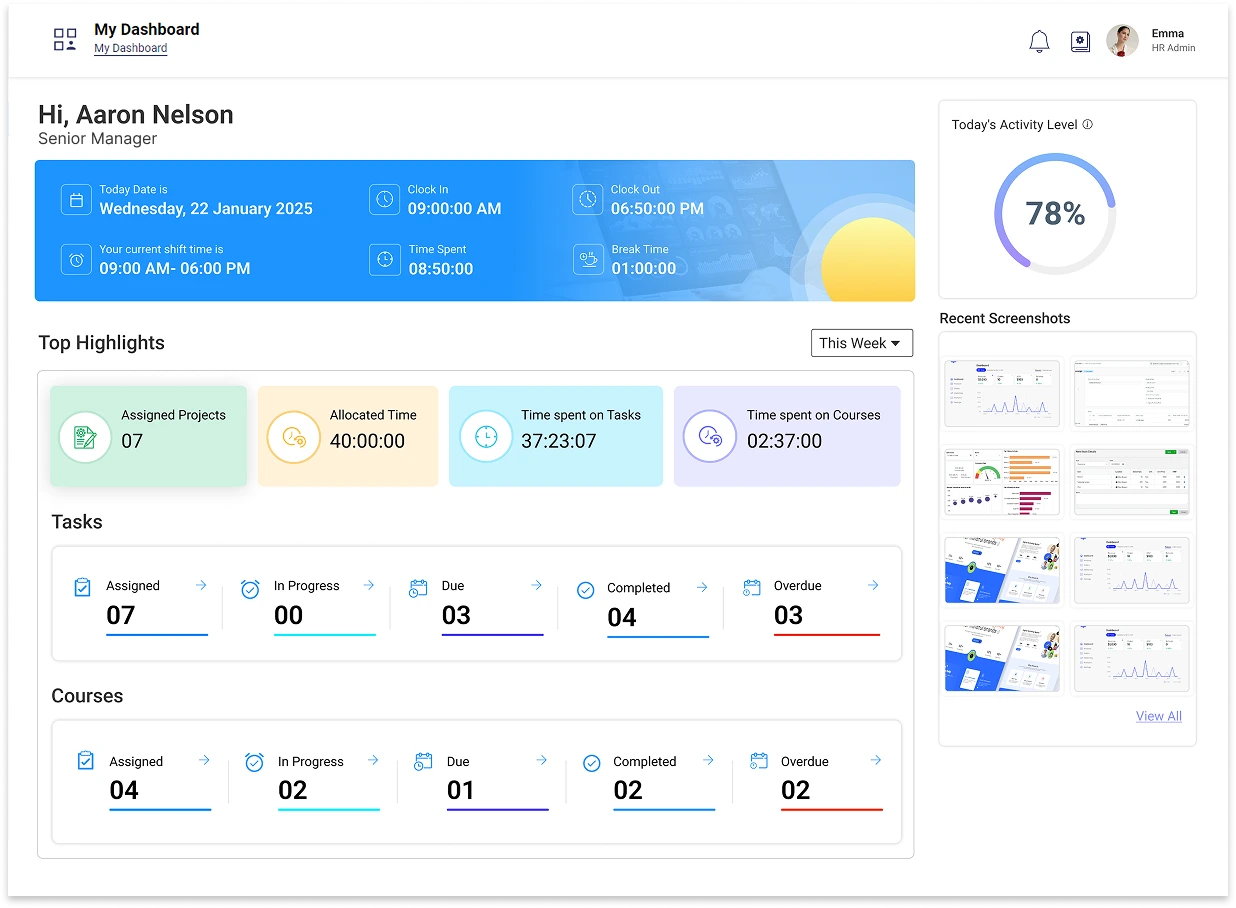
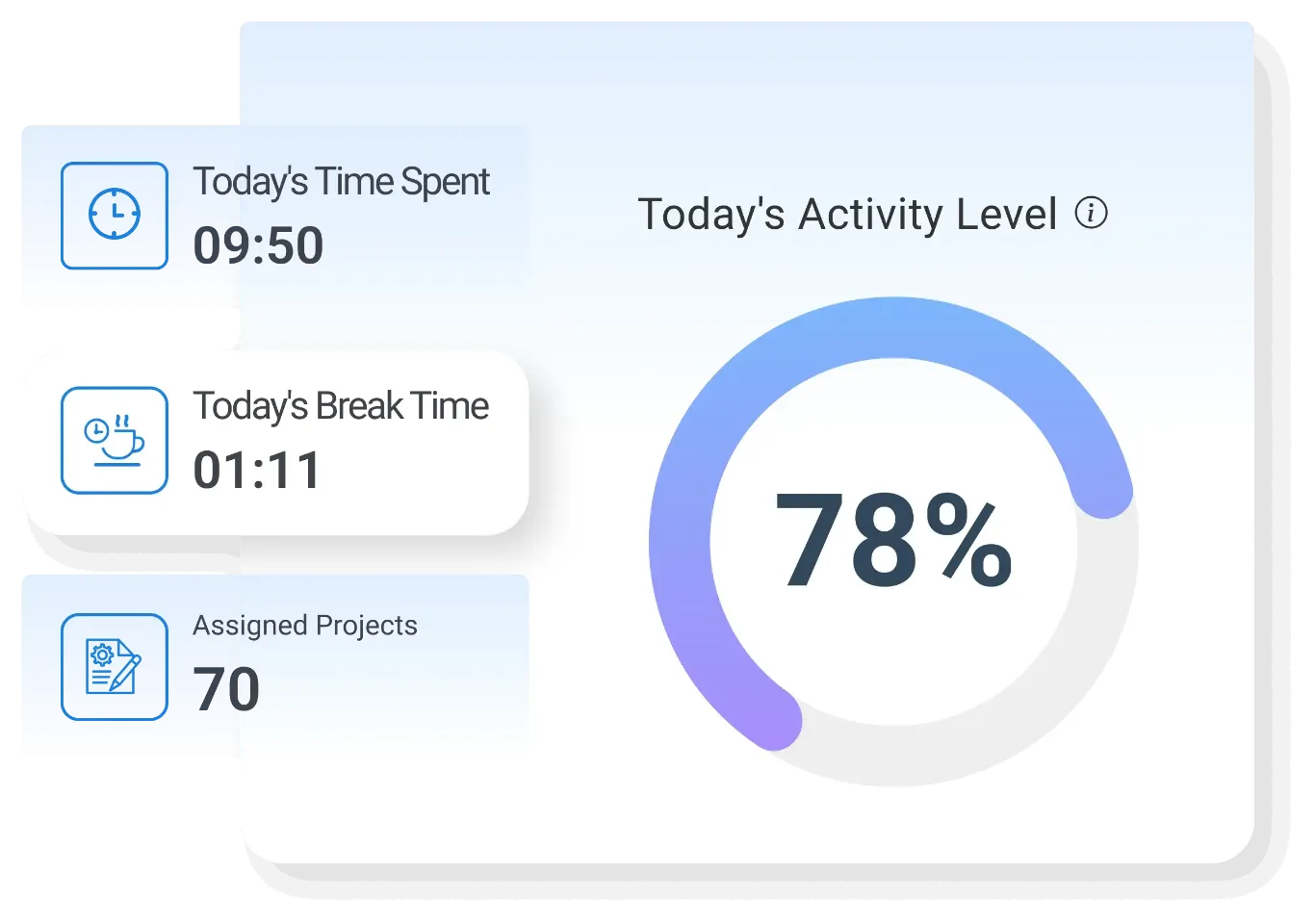
User Dashboard
Enable employees to manage their tasks, projects, and time effectively with a personalized and organized workspace.
- Task Management – View and manage assigned tasks in a structured format
- Project Access – Access project details and updates in real time
- Time Tracking – Monitor personal working hours and task durations
- Work Organization – Organize daily workload for better efficiency
- Self-Monitoring – Track individual performance and productivity
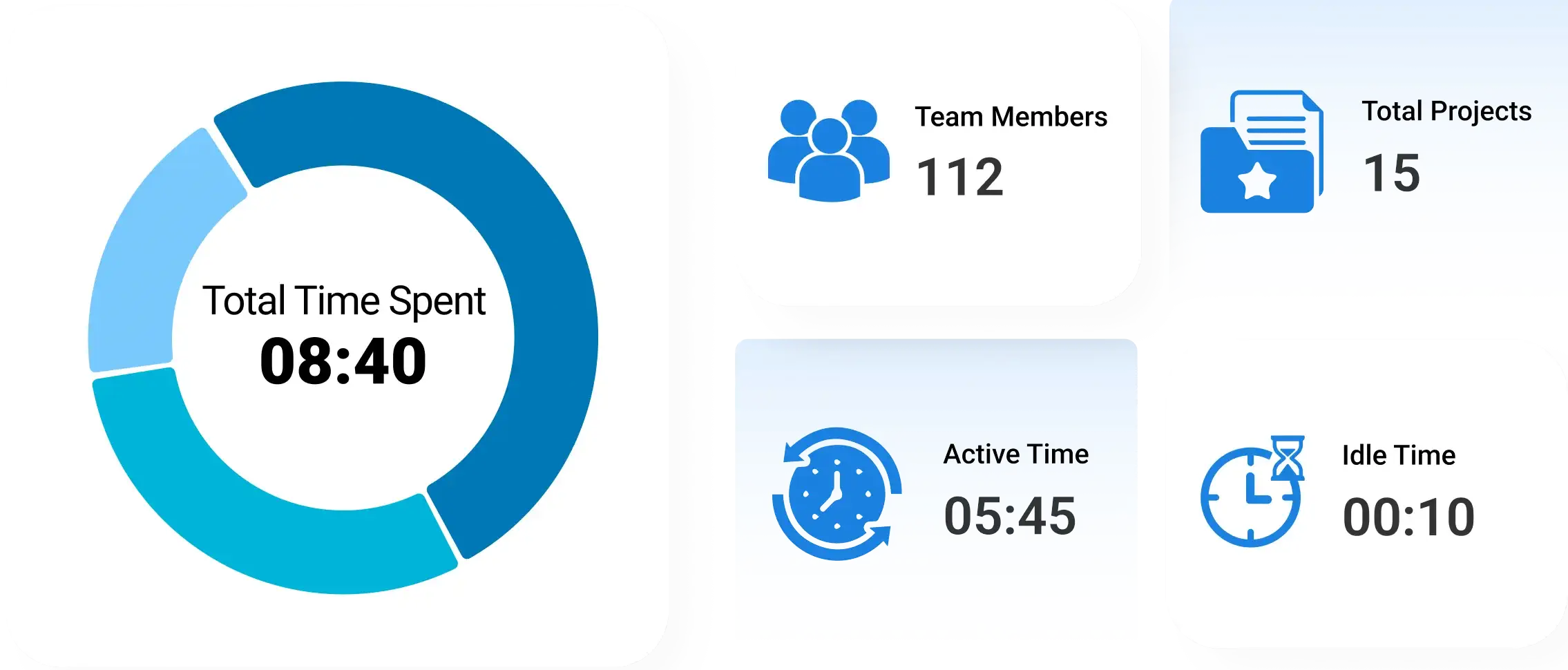

Teamwork Report
Evaluate team performance through detailed reports to improve collaboration, productivity, and overall results.
- Team Performance Analysis – Analyze overall team productivity and output
- Collaboration Insights – Understand how effectively team members work together
- Result Evaluation – Measure outcomes against defined goals and targets
- Trend Identification – Identify performance trends across different teams
- Improvement Opportunities – Highlight areas for enhancing teamwork and efficiency

Project Time Report
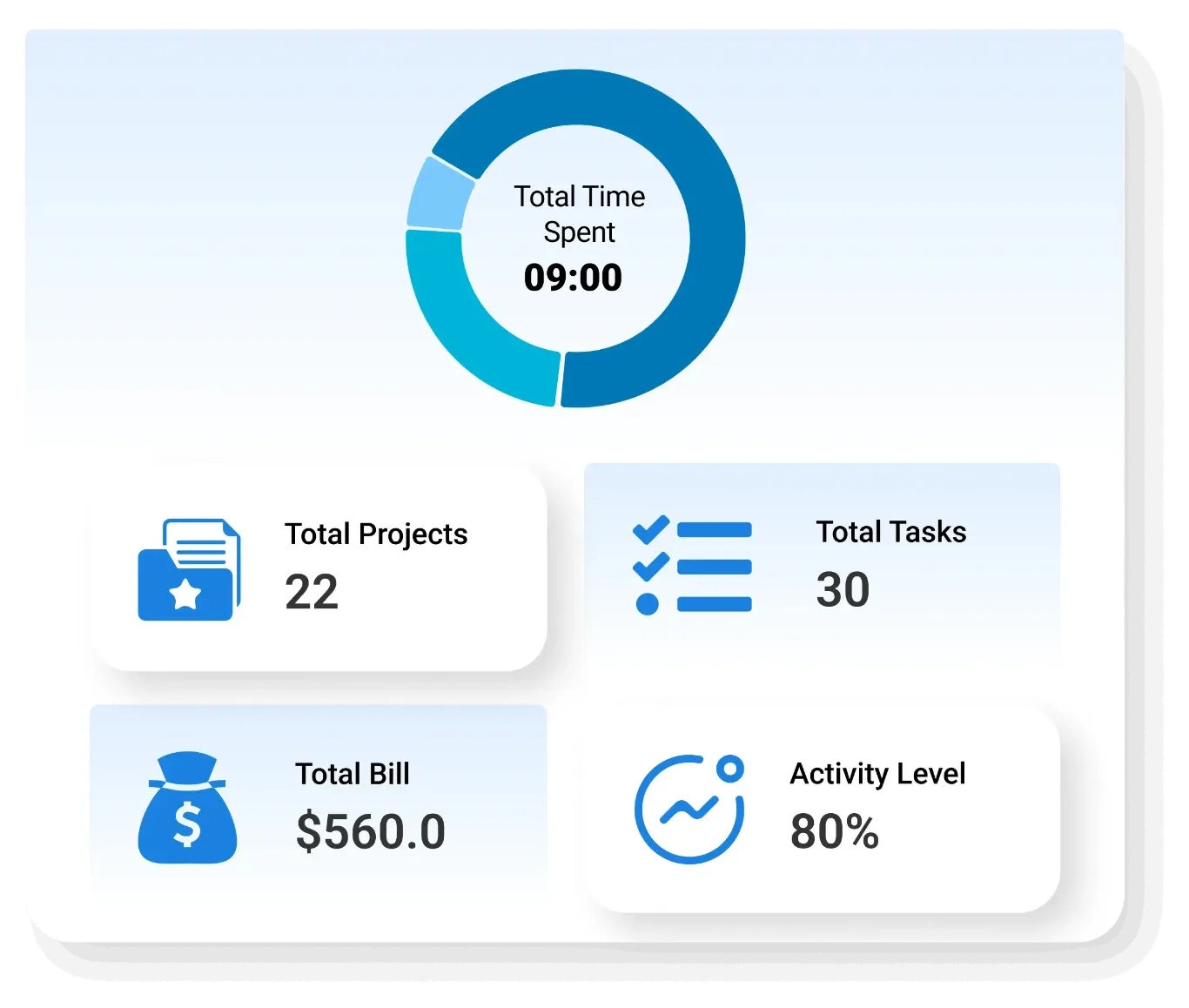
Gain insights into time spent on projects to improve planning, execution, and resource allocation.
- Time Analysis – Analyze time spent on ongoing and completed projects
- Project Logs – Maintain detailed logs of project activities and durations
- Efficiency Tracking – Measure project efficiency based on time utilization
- Resource Planning – Optimize resource allocation using time data
- Performance Insights – Evaluate project success through time-based metrics

Idle and Manual Time Report
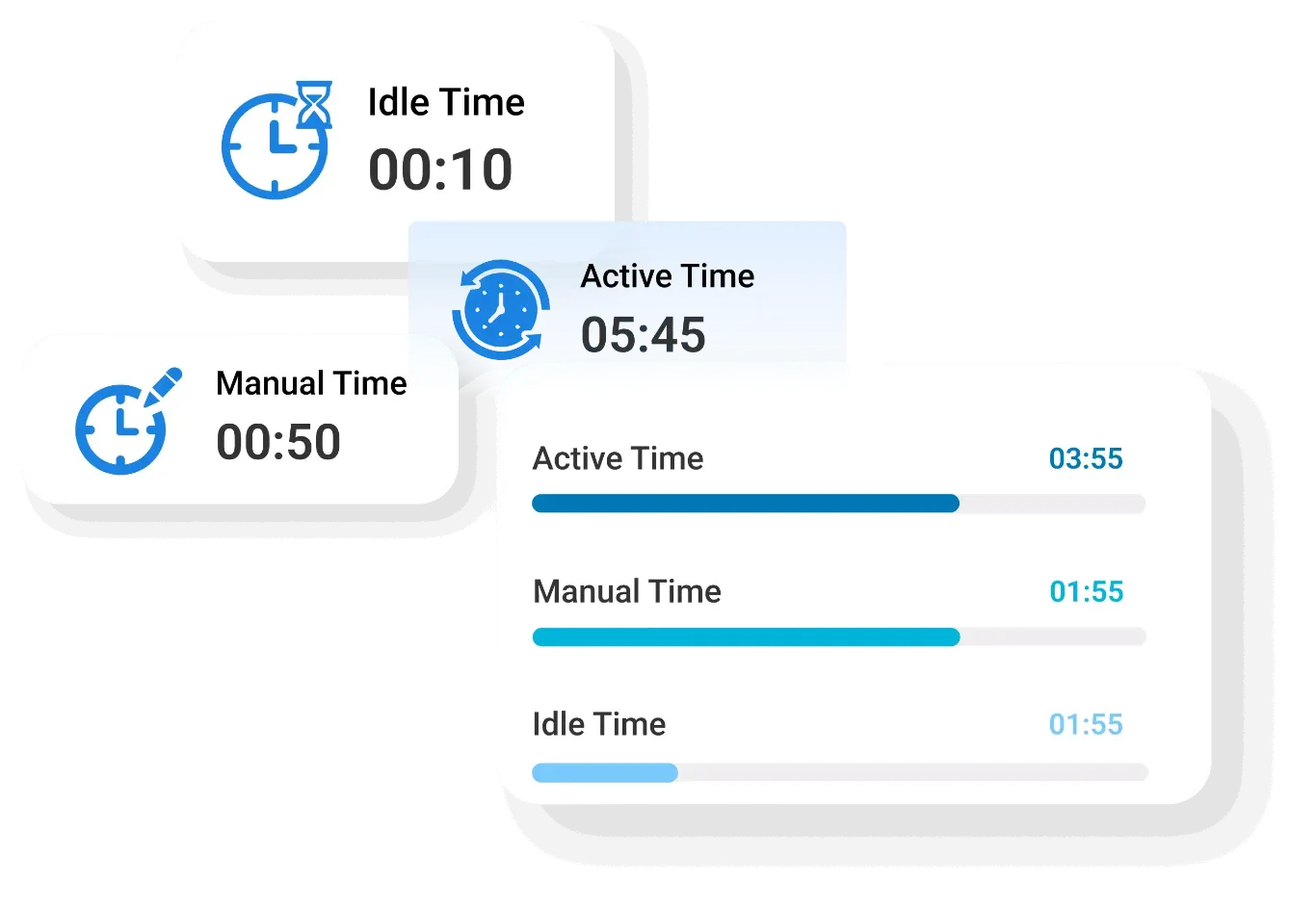
Track idle time and manually entered hours to ensure accurate reporting and identify inefficiencies.
- Idle Time Tracking – Monitor periods of inactivity during working hours
- Manual Entry Analysis – Track manually entered time for accuracy and validation
- User-Specific Reports – Generate reports for specific employees as needed
- Transparency Maintenance – Ensure transparency in time reporting across teams
- Efficiency Improvement – Identify and reduce unproductive time gaps

Screen Capture Report
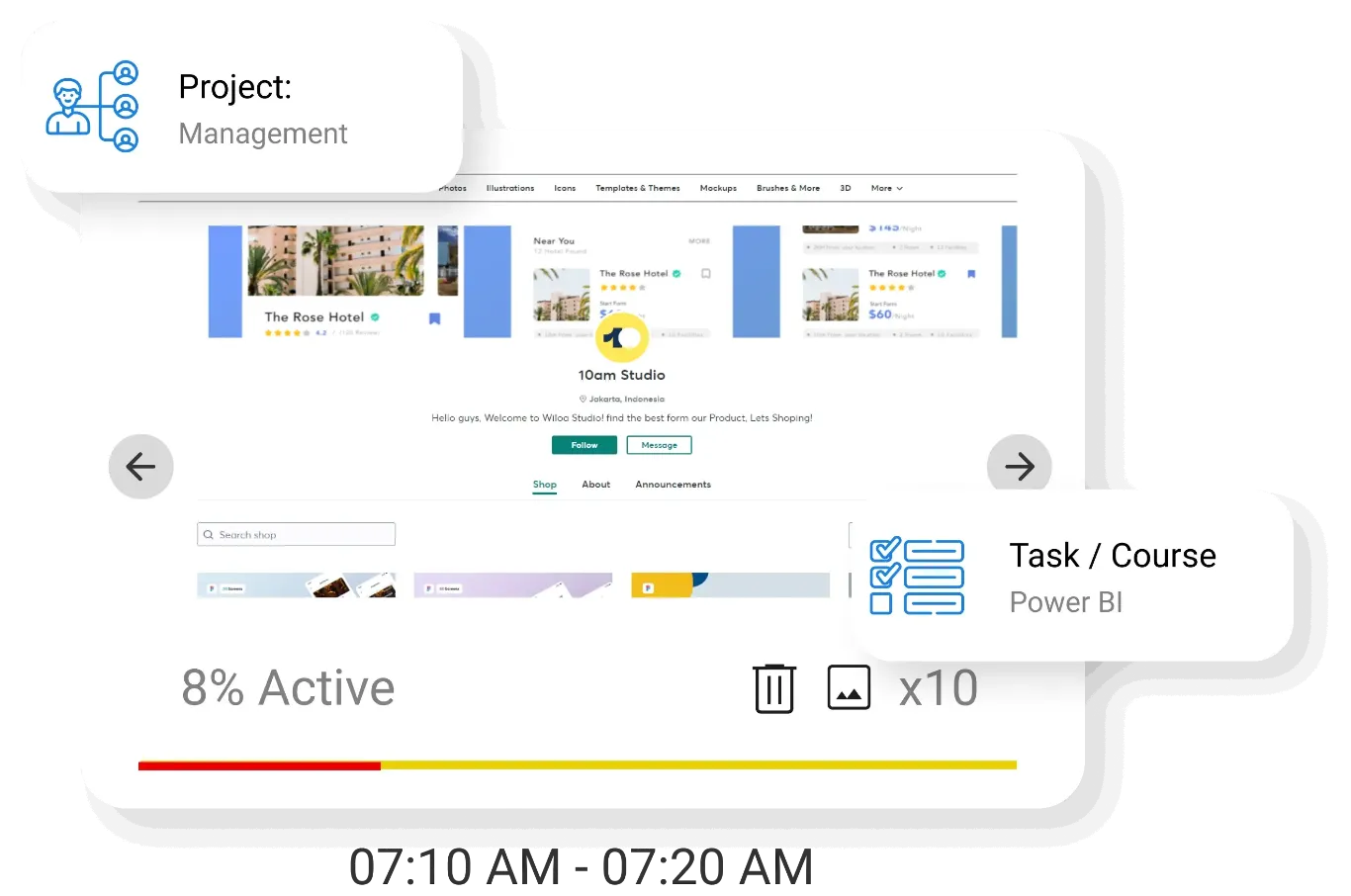
Review visual activity data through screenshots to ensure transparency, compliance, and productivity monitoring.
- Screenshot Tracking – Capture and store screenshots during working hours
- Activity Verification – Verify employee activity through visual records
- Time-Based Review – Review screenshots over selected time periods
- Compliance Monitoring – Ensure adherence to company policies and guidelines
- Performance Insights – Gain insights into work patterns through visual data
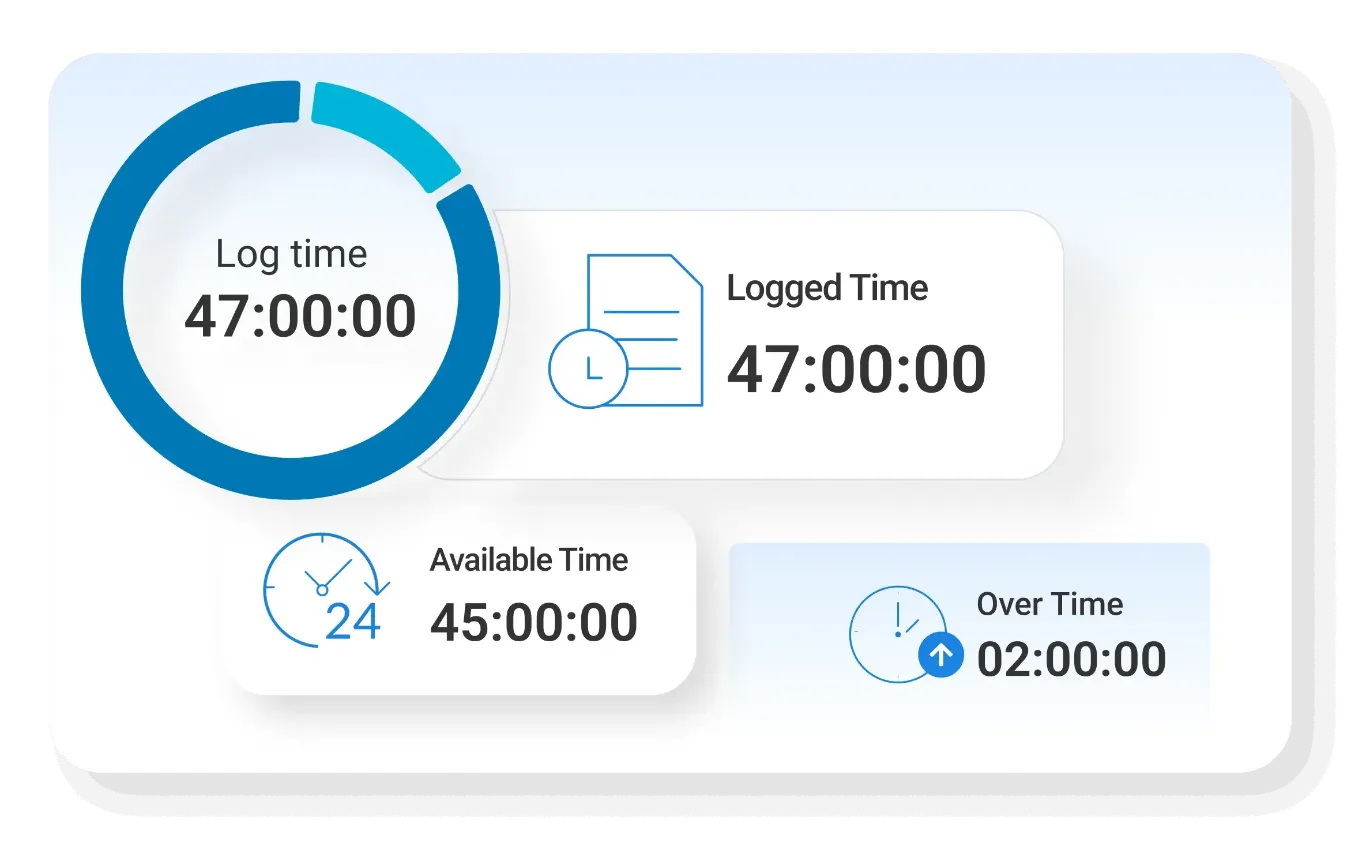

Overtime Report
Monitor employee overtime to manage workloads, control costs, and maintain work-life balance.
- Overtime Tracking – Track extra working hours beyond scheduled time
- User-Level Insights – Review overtime data for individual employees
- Workload Analysis – Analyze workload distribution across teams
- Cost Management – Control overtime-related costs effectively
- Policy Compliance – Ensure adherence to overtime policies and regulations

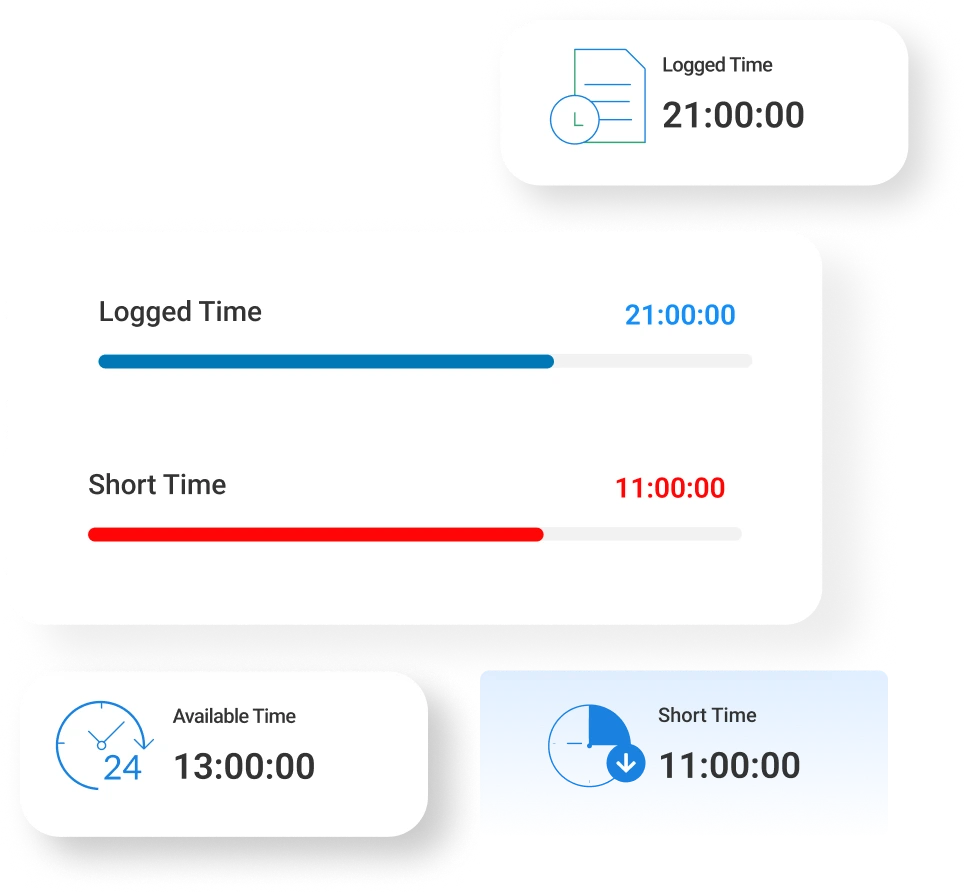
Short Time Report
Identify and analyze short working hours to maintain discipline, productivity, and accountability.
- Short Hours Tracking – Track instances of reduced working hours
- User Monitoring – Review short time data for individual employees
- Attendance Analysis – Analyze attendance patterns related to short hours
- Performance Impact – Assess the impact of short hours on productivity
- Corrective Actions – Take necessary actions to address inconsistencies